Top
Payment Link

Get Paid Instantly with iMpiya Payment Links

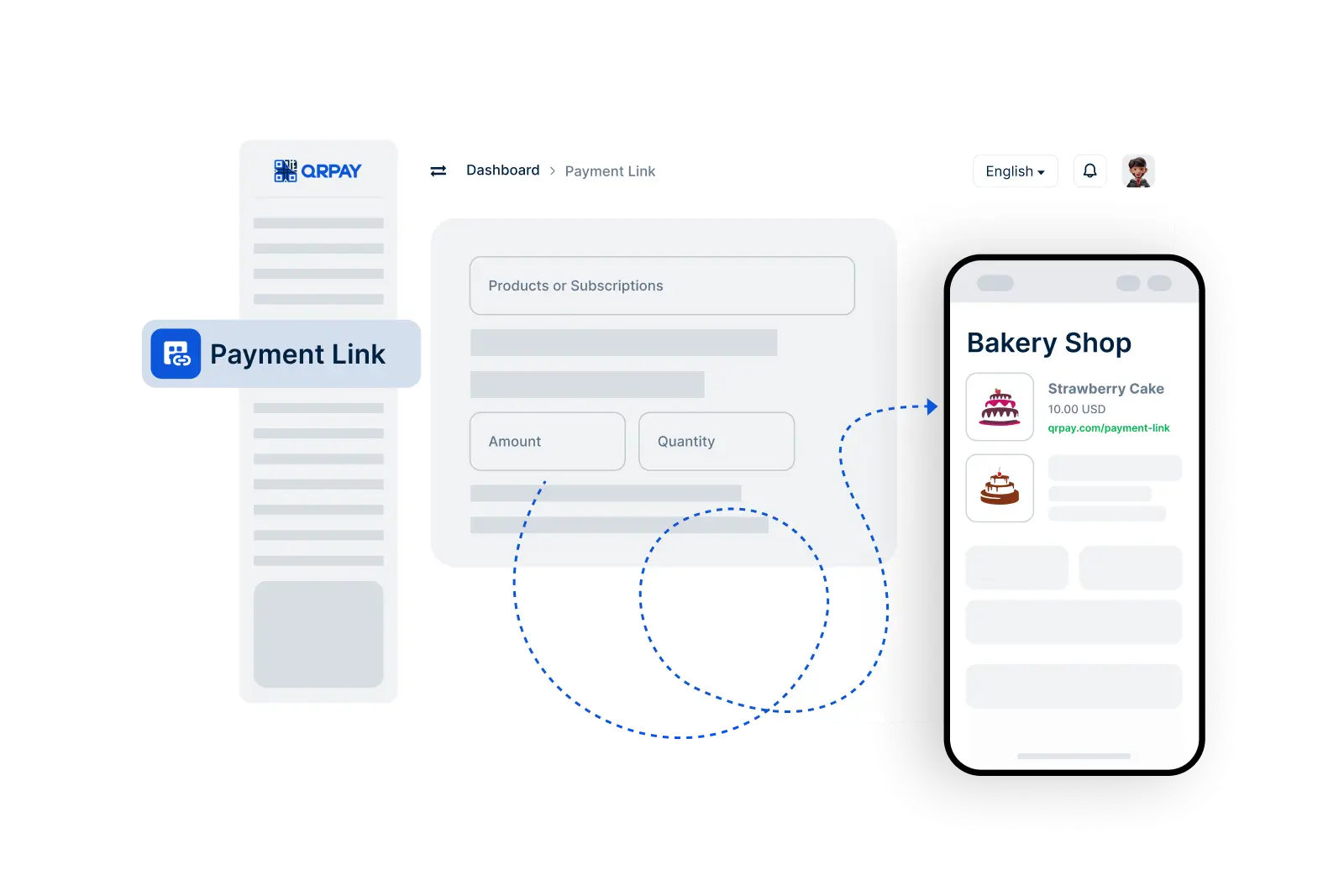
iMpiya's Payment Link feature allows you to receive payments effortlessly by creating a shareable link. Whether it’s for a friend, client, or anyone else, just send the link and let them complete the payment at their convenience. No need to share account details—just generate, share, and receive funds securely.

    Set Up Your Payment Link in 3 Simple Steps
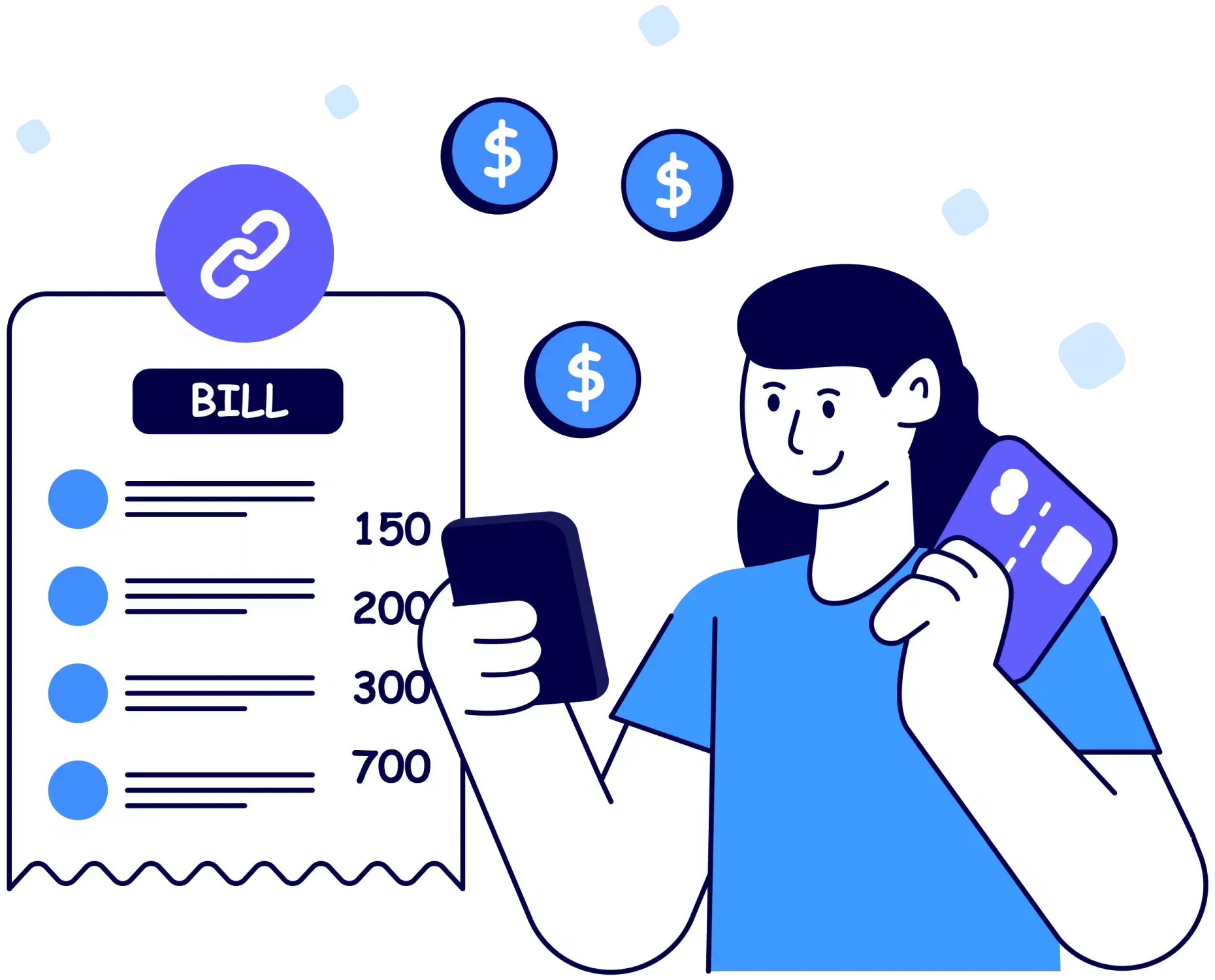
  • 1. Generate a Payment Link
  • 2. Share the Link
  • 3. Receive Payment
img

Follow these easy steps to generate and share your payment link for fast payments.

Quick Answers About iMpiya Payment Link Feature

Find out how to create, share, and receive payments securely using iMpiya payment links.

How do I create a payment link in iMpiya?

To create a payment link, go to the Payment Link option in your iMpiya account. Enter the amount, generate the link, and it will be ready to share.

Are there any fees for using a payment link?

A small transaction fee may apply to payment link transactions. You’ll see the fee before you confirm the link creation, ensuring transparency and no hidden costs.

Can I share a payment link with someone outside my country?

Yes, iMpiya supports payments from anywhere in the world, provided the payer has an iMpiya account.

How secure is a payment link?

iMpiya payment links are encrypted and designed with security in mind. Each link is unique, and iMpiya uses advanced protection to ensure your transactions are safe and private.