Top
Request Money

Effortlessly Request Money with iMpiya

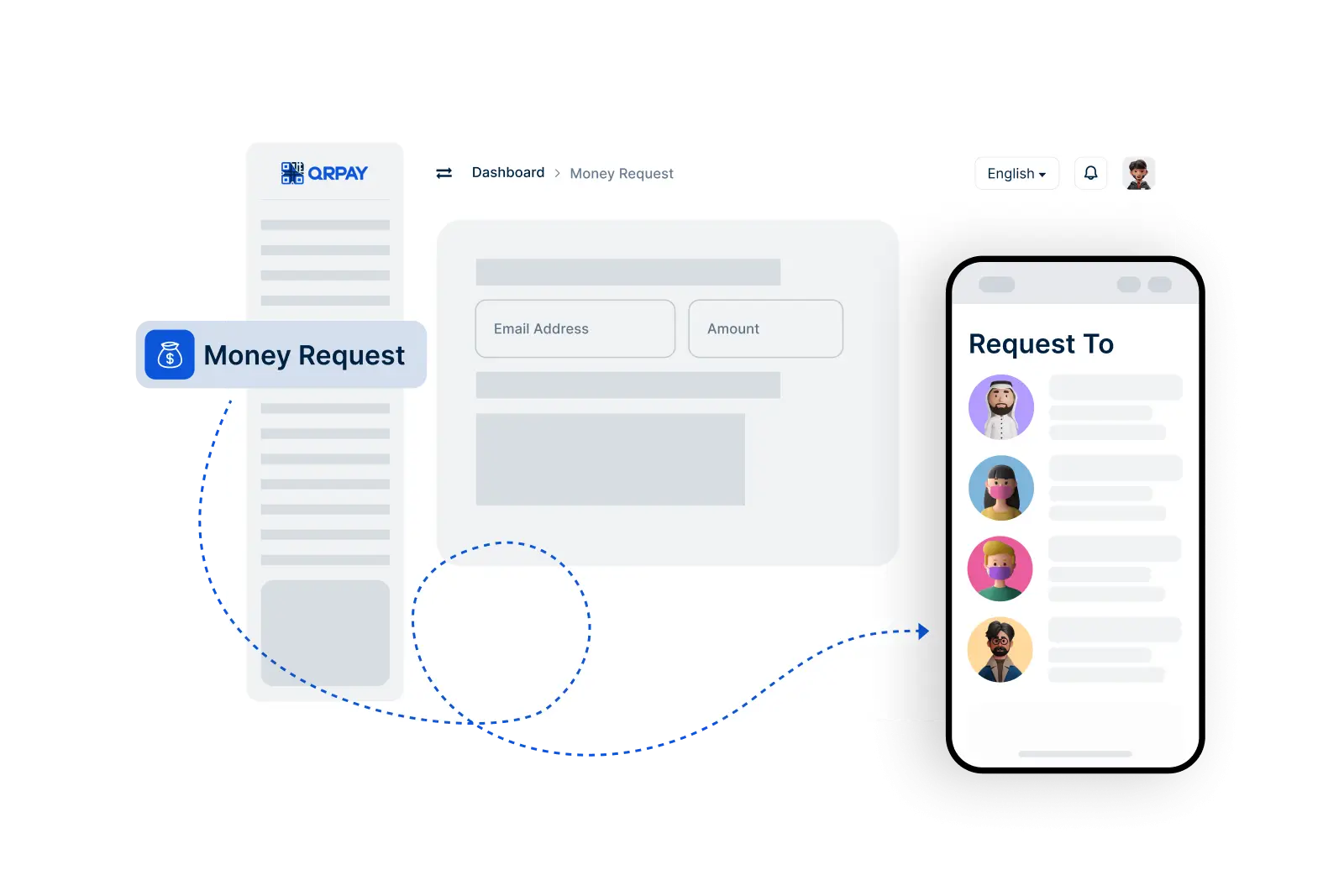
With iMpiya’s Request Money feature, you can easily send payment requests to anyone. Whether you’re collecting a shared expense, requesting a loan repayment, or charging a service fee, simply enter the amount, send the request, and receive payment instantly. It’s a secure, convenient, and hassle-free way to manage your finances.

    Request Money in 3 Simple Steps

  • 1. Enter Request Details
  • 2. Send the Request
  • 3. Receive Notification
img

Follow these simple steps to send a request for payment to anyone using iMpiya.

Common Questions About Requesting Money with iMpiya

Get the information you need to easily request funds from others using iMpiya.

How do I request money using iMpiya?

To request money, use the Request Money feature. Enter the recipient’s iMpiya ID and the amount, then send the request. The recipient will receive a notification to complete the transaction.

Can I customize my payment request?

Yes, you can add a note or description to your payment request to clearly indicate what the funds are for.

What happens if the recipient doesn’t respond to my request?

If the recipient does not respond, you may resend the request or follow up with them directly. Notifications will let you know when the request has been viewed or accepted.